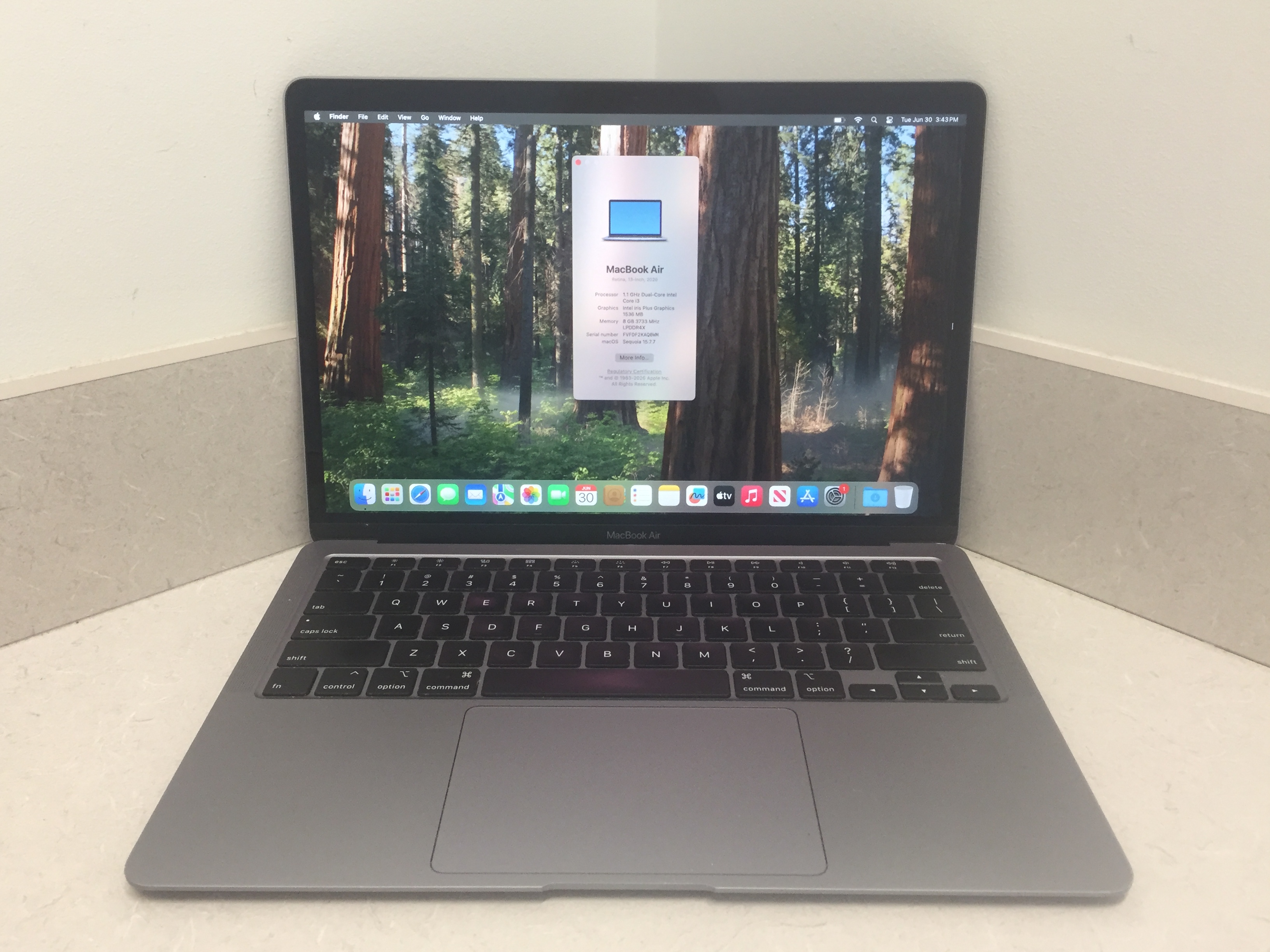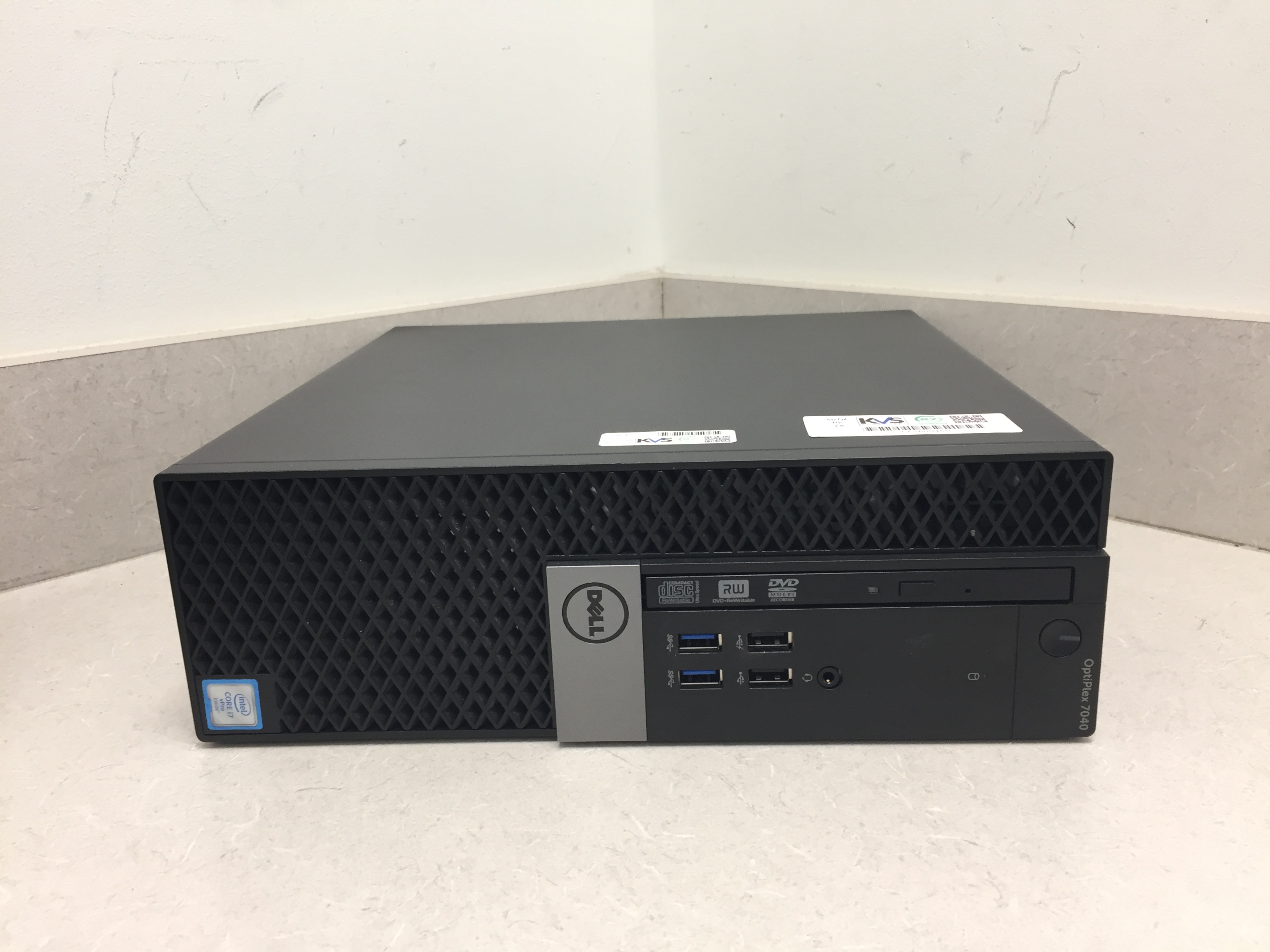
A well-maintained computer performs faster, lasts longer, and experiences fewer technical issues. Start by keeping your operating system updated to receive the latest security patches and performance improvements. Remove unnecessary applications that consume storage and system resources. Use antivirus software to protect against malware and ransomware. Clean temporary files regularly and organize your storage. If possible, upgrade to an SSD for significantly faster boot times and application loading. Physically clean your computer every few months by removing dust from fans and vents to prevent overheating. Back up your important files using cloud storage or an external drive. Finally, restart your computer regularly instead of leaving it running for weeks, as this helps refresh system resources and improve overall performance.
Identify Your Primary Purpose
Before comparing specifications, determine how you'll use your computer.
- For Students: Web browsing, online classes, document editing, and research.
- For Business Professionals: Office applications, video conferencing, email, and multitasking.
- For Creative Professionals: Graphic design, video editing, animation, and 3D rendering.
- For Gamers: High-performance graphics, fast processors, and advanced cooling systems.
- For Everyday Users: Internet browsing, streaming videos, and social media.
Choosing a computer based on your daily tasks helps avoid overspending on unnecessary features.
Desktop or Laptop?
One of the first decisions is choosing between a desktop and a laptop.
Laptop Advantages
- Portable and lightweight
- Built-in battery
- Ideal for travel and remote work
- Compact design
Desktop Advantages
- Better performance for the same budget
- Easier to upgrade components
- Larger display options
- Better cooling and longevity
If mobility is important, a laptop is the better option. If maximum performance and future upgrades matter more, consider a desktop.
Key Specifications to Consider
Processor (CPU)
The processor is the brain of your computer. Modern Intel Core and AMD Ryzen processors provide excellent performance for everyday tasks and professional workloads.
Choose:
- Intel Core i5 or Ryzen 5 for regular users
- Intel Core i7/i9 or Ryzen 7/9 for demanding applications
Memory (RAM)
RAM affects how smoothly your computer handles multiple applications.
Recommended:
- 8GB for everyday computing
- 16GB for office work and gaming
- 32GB or more for professional editing and development