KVS Auctions
How to Choose the Perfect Computer for Your Needs

Learn how to choose the perfect computer for work, gaming, school, or business. Compare laptops and desktops, understand key specifications, and make an informed buying decision.

Buying a new computer is an important investment. Whether you're a student, professional, gamer, or business owner, selecting the right computer can improve your productivity, performance, and overall digital experience. With so many models and specifications available, it's essential to understand what features matter most before making a purchase.

Identify Your Primary Purpose

Before comparing specifications, determine how you'll use your computer.

  • For Students: Web browsing, online classes, document editing, and research.
  • For Business Professionals: Office applications, video conferencing, email, and multitasking.
  • For Creative Professionals: Graphic design, video editing, animation, and 3D rendering.
  • For Gamers: High-performance graphics, fast processors, and advanced cooling systems.
  • For Everyday Users: Internet browsing, streaming videos, and social media.

Choosing a computer based on your daily tasks helps avoid overspending on unnecessary features.

Desktop or Laptop?

One of the first decisions is choosing between a desktop and a laptop.

Laptop Advantages

  • Portable and lightweight
  • Built-in battery
  • Ideal for travel and remote work
  • Compact design

Desktop Advantages

  • Better performance for the same budget
  • Easier to upgrade components
  • Larger display options
  • Better cooling and longevity

If mobility is important, a laptop is the better option. If maximum performance and future upgrades matter more, consider a desktop.

Key Specifications to Consider

Processor (CPU)

The processor is the brain of your computer. Modern Intel Core and AMD Ryzen processors provide excellent performance for everyday tasks and professional workloads.

Choose:

  • Intel Core i5 or Ryzen 5 for regular users
  • Intel Core i7/i9 or Ryzen 7/9 for demanding applications

Memory (RAM)

RAM affects how smoothly your computer handles multiple applications.

Recommended:

  • 8GB for everyday computing
  • 16GB for office work and gaming
  • 32GB or more for professional editing and development

Storage

Solid State Drives (SSD) provide significantly faster performance than traditional hard drives.

Recommended:

  • 256GB SSD for basic users
  • 512GB SSD for most professionals
  • 1TB SSD for creators and gamers

Graphics Card (GPU)

A dedicated graphics card is important for gaming, video editing, CAD, and AI workloads.

Casual users can rely on integrated graphics, while professionals should consider dedicated NVIDIA or AMD graphics cards.

Display Quality

Choose a display based on your needs:

  • Full HD (1920×1080) for everyday use
  • QHD or 4K for creative professionals
  • High refresh rate (120Hz or above) for gaming

A quality display reduces eye strain and improves productivity.

Battery Life

If you frequently work away from your desk, battery life is an important consideration.

Look for laptops offering:

  • 8–10 hours for standard use
  • Fast charging support
  • Energy-efficient processors

Connectivity

Modern computers should include:

  • USB-C ports
  • USB 3.0 or higher
  • HDMI
  • Wi-Fi 6 or Wi-Fi 7
  • Bluetooth
  • SD card reader (if required)

These ports ensure compatibility with modern accessories and peripherals.

Security Features

Protect your personal and business data by choosing computers that include:

  • Fingerprint reader
  • Facial recognition
  • TPM security chip
  • Built-in antivirus support
  • Automatic security updates

These features help safeguard sensitive information.

Budget Planning

Set a realistic budget before shopping.

  • Budget Range: Basic computing and browsing
  • Mid-Range: Office work, education, programming, and light editing
  • High-End: Gaming, engineering, AI development, and professional content creation

Buying according to your needs ensures the best value for your investment.

Maintenance Tips

To keep your computer performing efficiently:

  • Keep your operating system updated.
  • Install reliable antivirus software.
  • Remove unnecessary applications.
  • Clean dust from fans and vents regularly.
  • Back up important files to cloud storage or an external drive.

Regular maintenance extends your computer's lifespan and maintains peak performance.

Final Thoughts

Choosing the perfect computer doesn't have to be complicated. Start by identifying your primary needs, compare essential specifications, and select a system that fits both your workload and budget. Whether you're purchasing a laptop for school, a desktop for business, or a high-performance PC for gaming, investing in the right computer today will provide years of reliable performance.

By understanding processors, memory, storage, graphics, and security features, you can confidently choose a computer that meets your current requirements while remaining capable of handling future demands.
Blog-Image

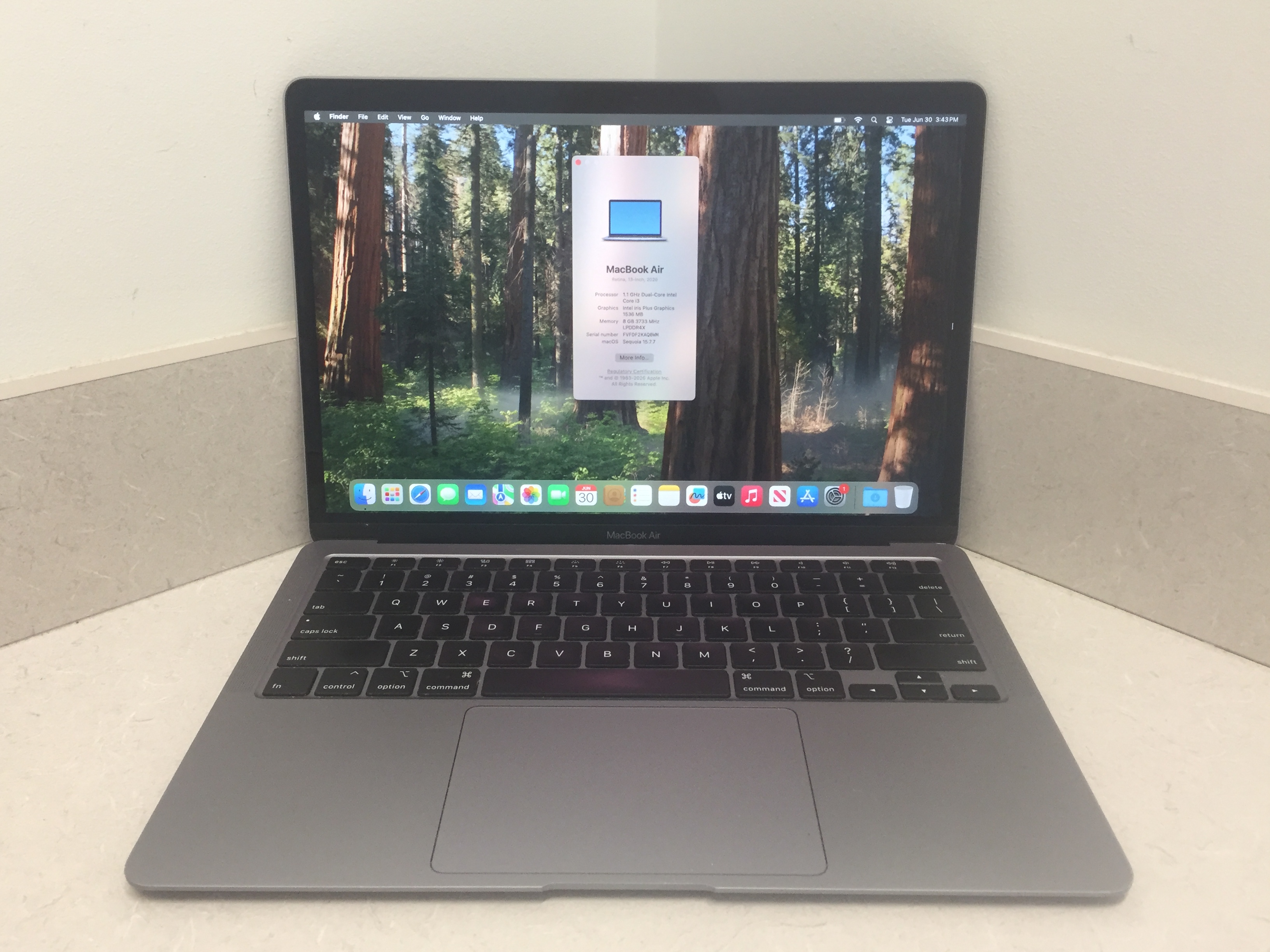
Storage technology has evolved rapidly over the past decade. Solid State Drives (SSDs) are much faster than traditional Hard Disk Drives (HDDs), allowing computers to boot in seconds and applications to load almost instantly. SSDs have no moving parts, making them more durable and energy-efficient. HDDs remain useful for storing large amounts of data at a lower cost. Many users choose a combination of both: an SSD for the operating system and frequently used applications, and an HDD for photos, videos, and backups. Upgrading to an SSD is one of the most effective ways to improve an older computer's performance.

Key Specifications to Consider
Processor (CPU)

The processor is the brain of your computer. Modern Intel Core and AMD Ryzen processors provide excellent performance for everyday tasks and professional workloads.

Choose:

Intel Core i5 or Ryzen 5 for regular users
Intel Core i7/i9 or Ryzen 7/9 for demanding applications
Memory (RAM)

RAM affects how smoothly your computer handles multiple applications.

Recommended:

8GB for everyday computing
16GB for office work and gaming
32GB or more for professional editing and development
Storage

Solid State Drives (SSD) provide significantly faster performance than traditional hard drives.

Recommended:

256GB SSD for basic users
512GB SSD for most professionals
1TB SSD for creators and gamers
Graphics Card (GPU)

A dedicated graphics card is important for gaming, video editing, CAD, and AI workloads.

Casual users can rely on integrated graphics, while professionals should consider dedicated NVIDIA or AMD graphics cards.

Display Quality

Choose a display based on your needs:

Full HD (1920×1080) for everyday use
QHD or 4K for creative professionals
High refresh rate (120Hz or above) for gaming

A quality display reduces eye strain and improves productivity.

Battery Life

If you frequently work away from your desk, battery life is an important consideration.

Look for laptops offering:

8–10 hours for standard use
Fast charging support
Energy-efficient processors
Connectivity

Modern computers should include:

USB-C ports
USB 3.0 or higher
HDMI
Wi-Fi 6 or Wi-Fi 7
Bluetooth
SD card reader (if required)

These ports ensure compatibility with modern accessories and peripherals.

Security Features

Protect your personal and business data by choosing computers that include:

Fingerprint reader
Facial recognition
TPM security chip
Built-in antivirus support
Automatic security updates

These features help safeguard sensitive information.

Budget Planning

Set a realistic budget before shopping.

Budget Range: Basic computing and browsing
Mid-Range: Office work, education, programming, and light editing
High-End: Gaming, engineering, AI development, and professional content creation

Buying according to your needs ensures the best value for your investment.

Maintenance Tips

To keep your computer performing efficiently:

Keep your operating system updated.
Install reliable antivirus software.
Remove unnecessary applications.
Clean dust from fans and vents regularly.
Back up important files to cloud storage or an external drive.

Regular maintenance extends your computer's lifespan and maintains peak performance.

Final Thoughts

Choosing the perfect computer doesn't have to be complicated. Start by identifying your primary needs, compare essential specifications, and select a system that fits both your workload and budget. Whether you're purchasing a laptop for school, a desktop for business, or a high-performance PC for gaming, investing in the right computer today will provide years of reliable performance.

By understanding processors, memory, storage, graphics, and security features, you can confidently choose a computer that meets your current requirements while remaining capable of handling future demands.
August 17, 2026 ET 4 min read
Blog-Image

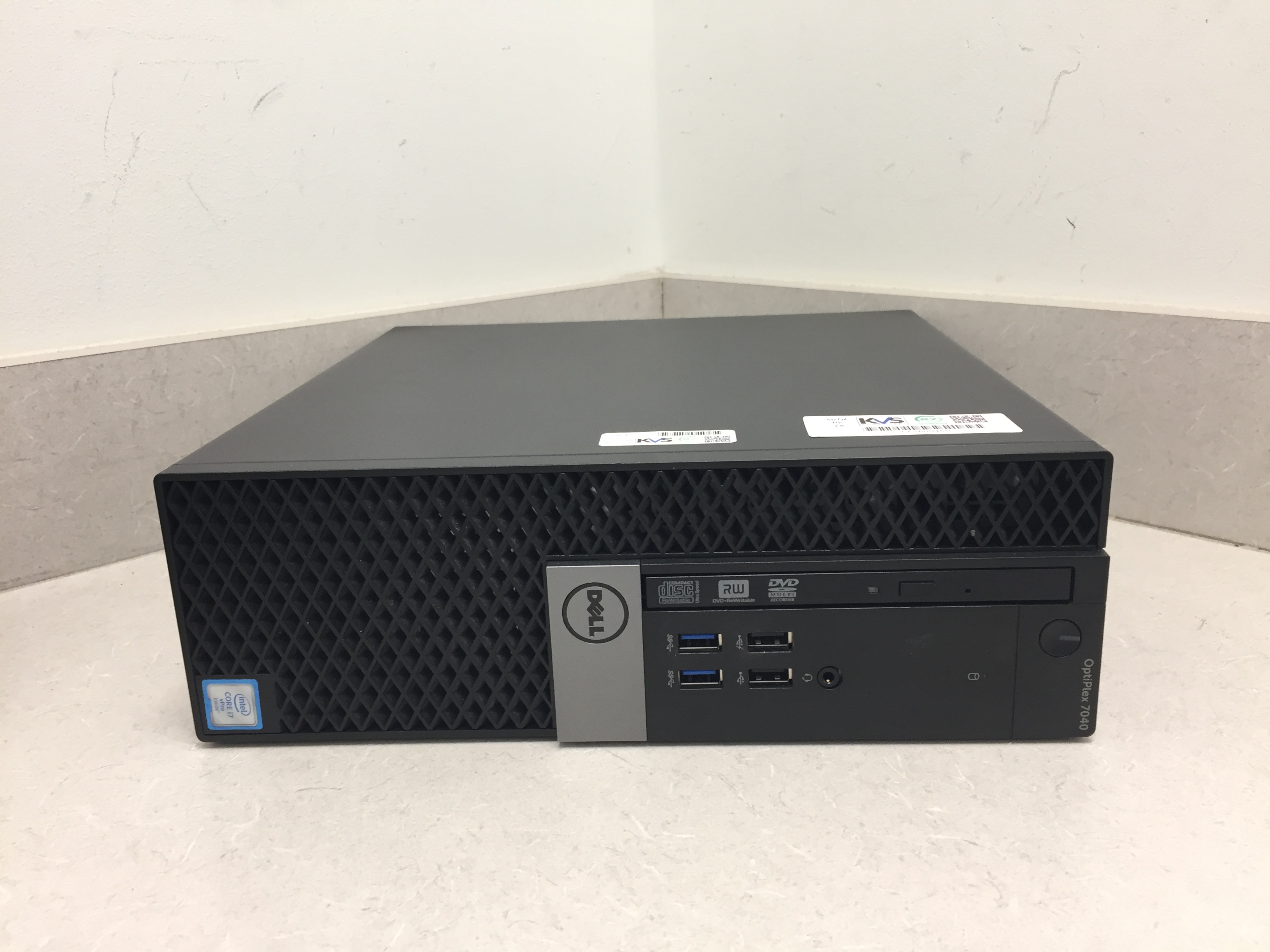
Choosing between a laptop and a desktop depends on your lifestyle and computing requirements. Laptops provide portability, making them ideal for students, remote workers, and professionals who travel frequently. Desktops offer better performance, easier upgrades, and improved cooling at a lower price point. If gaming, video editing, or software development is your primary focus, desktops often deliver better value. However, if flexibility and mobility matter more than raw performance, a laptop is the better investment. Consider factors such as battery life, upgradeability, display size, and budget before making your decision.

Key Specifications to Consider

Processor (CPU)

The processor is the brain of your computer. Modern Intel Core and AMD Ryzen processors provide excellent performance for everyday tasks and professional workloads.

Choose:

  • Intel Core i5 or Ryzen 5 for regular users
  • Intel Core i7/i9 or Ryzen 7/9 for demanding applications

Memory (RAM)

RAM affects how smoothly your computer handles multiple applications.

Recommended:

  • 8GB for everyday computing
  • 16GB for office work and gaming
  • 32GB or more for professional editing and development

Storage

Solid State Drives (SSD) provide significantly faster performance than traditional hard drives.

Recommended:

  • 256GB SSD for basic users
  • 512GB SSD for most professionals
  • 1TB SSD for creators and gamers

Graphics Card (GPU)

A dedicated graphics card is important for gaming, video editing, CAD, and AI workloads.

Casual users can rely on integrated graphics, while professionals should consider dedicated NVIDIA or AMD graphics cards.

Display Quality

Choose a display based on your needs:

  • Full HD (1920×1080) for everyday use
  • QHD or 4K for creative professionals
  • High refresh rate (120Hz or above) for gaming

A quality display reduces eye strain and improves productivity.

Battery Life

If you frequently work away from your desk, battery life is an important consideration.

Look for laptops offering:

  • 8–10 hours for standard use
  • Fast charging support
  • Energy-efficient processors

Connectivity

Modern computers should include:

  • USB-C ports
  • USB 3.0 or higher
  • HDMI
  • Wi-Fi 6 or Wi-Fi 7
  • Bluetooth
  • SD card reader (if required)

These ports ensure compatibility with modern accessories and peripherals.

Security Features

Protect your personal and business data by choosing computers that include:

  • Fingerprint reader
  • Facial recognition
  • TPM security chip
  • Built-in antivirus support
  • Automatic security updates

These features help safeguard sensitive information.

Budget Planning

Set a realistic budget before shopping.

  • Budget Range: Basic computing and browsing
  • Mid-Range: Office work, education, programming, and light editing
  • High-End: Gaming, engineering, AI development, and professional content creation

Buying according to your needs ensures the best value for your investment.

Maintenance Tips

To keep your computer performing efficiently:

  • Keep your operating system updated.
  • Install reliable antivirus software.
  • Remove unnecessary applications.
  • Clean dust from fans and vents regularly.
  • Back up important files to cloud storage or an external drive.

Regular maintenance extends your computer's lifespan and maintains peak performance.

Final Thoughts

Choosing the perfect computer doesn't have to be complicated. Start by identifying your primary needs, compare essential specifications, and select a system that fits both your workload and budget. Whether you're purchasing a laptop for school, a desktop for business, or a high-performance PC for gaming, investing in the right computer today will provide years of reliable performance.

By understanding processors, memory, storage, graphics, and security features, you can confidently choose a computer that meets your current requirements while remaining capable of handling future demands.

August 13, 2026 ET 4 min read
Blog-Image

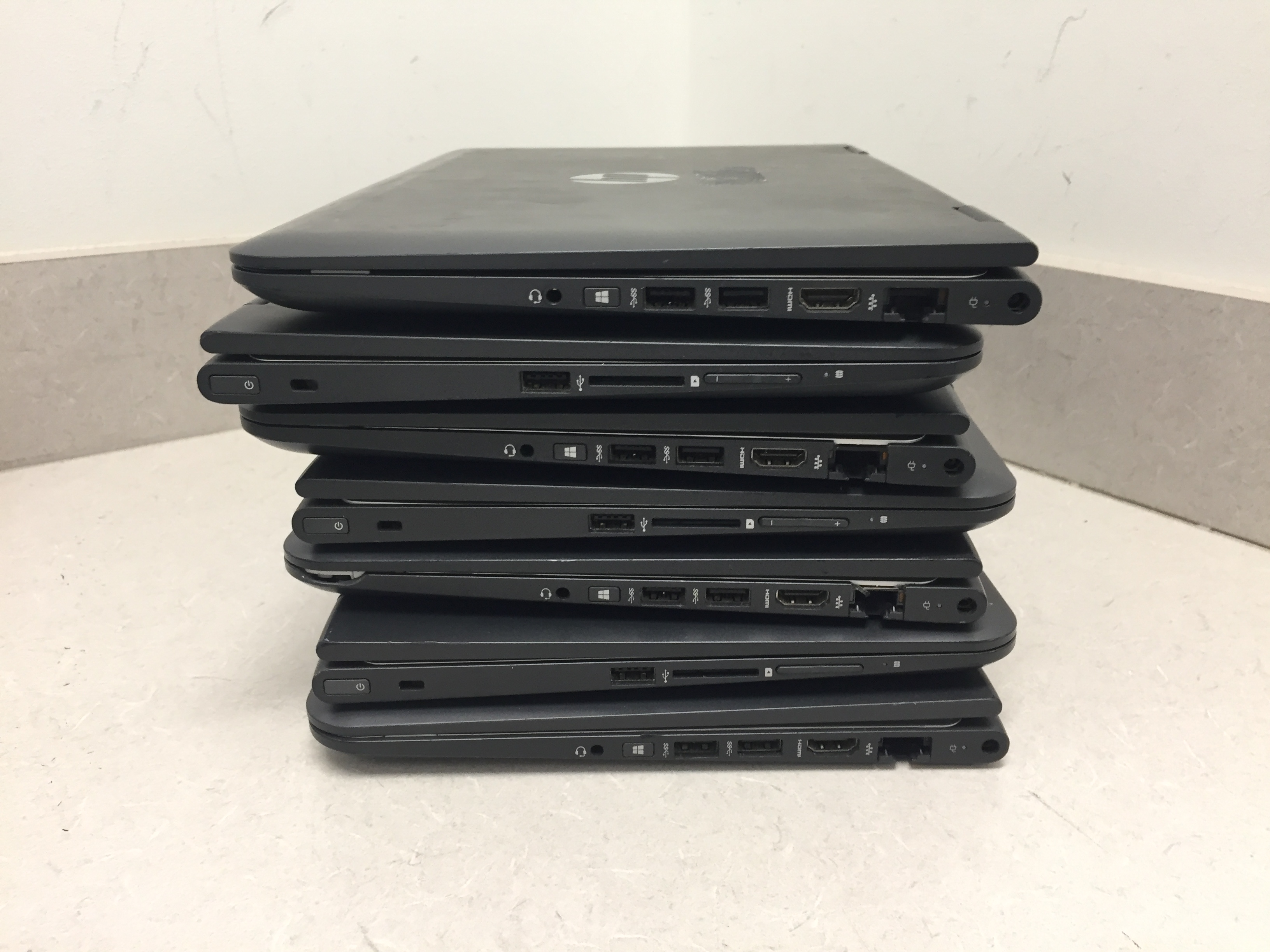
A well-maintained computer performs faster, lasts longer, and experiences fewer technical issues. Start by keeping your operating system updated to receive the latest security patches and performance improvements. Remove unnecessary applications that consume storage and system resources. Use antivirus software to protect against malware and ransomware. Clean temporary files regularly and organize your storage. If possible, upgrade to an SSD for significantly faster boot times and application loading. Physically clean your computer every few months by removing dust from fans and vents to prevent overheating. Back up your important files using cloud storage or an external drive. Finally, restart your computer regularly instead of leaving it running for weeks, as this helps refresh system resources and improve overall performance.

Identify Your Primary Purpose

Before comparing specifications, determine how you'll use your computer.

  • For Students: Web browsing, online classes, document editing, and research.
  • For Business Professionals: Office applications, video conferencing, email, and multitasking.
  • For Creative Professionals: Graphic design, video editing, animation, and 3D rendering.
  • For Gamers: High-performance graphics, fast processors, and advanced cooling systems.
  • For Everyday Users: Internet browsing, streaming videos, and social media.

Choosing a computer based on your daily tasks helps avoid overspending on unnecessary features.

Desktop or Laptop?

One of the first decisions is choosing between a desktop and a laptop.

Laptop Advantages

  • Portable and lightweight
  • Built-in battery
  • Ideal for travel and remote work
  • Compact design

Desktop Advantages

  • Better performance for the same budget
  • Easier to upgrade components
  • Larger display options
  • Better cooling and longevity

If mobility is important, a laptop is the better option. If maximum performance and future upgrades matter more, consider a desktop.

Key Specifications to Consider

Processor (CPU)

The processor is the brain of your computer. Modern Intel Core and AMD Ryzen processors provide excellent performance for everyday tasks and professional workloads.

Choose:

  • Intel Core i5 or Ryzen 5 for regular users
  • Intel Core i7/i9 or Ryzen 7/9 for demanding applications

Memory (RAM)

RAM affects how smoothly your computer handles multiple applications.

Recommended:

  • 8GB for everyday computing
  • 16GB for office work and gaming
  • 32GB or more for professional editing and development
July 31, 2026 ET 4 min read